Getting the software
Applies to: IOcan · Standalone controller. What this means
The software is free. There is no purchase, no subscription and no per-seat licence. Access is arranged directly — email contact@apex-control.com and you will be set up.
It works with legacy 1.x firmware too. An older unit does not need different software; the current application talks to it as it stands.
Two ways to run it
Both are the same application and both stay on the same version — the installed copy updates itself to track the browser build, so neither route leaves you on old software.
In a browser
https://static.apex-control.eu/studio/
Nothing to install. Needs a Chromium-based browser — Chrome or Edge — because it reaches the device through the browser's serial API, which Firefox and Safari do not implement.
On Windows
https://static.apex-control.eu/studio/installer/apex-setup.exe
Download and run it. Worth choosing when the machine that goes out to the car is not the one you build configurations on, or where keeping a browser open in a workshop is awkward.
Windows only at the moment — there are no macOS or Linux builds.
⚠️ Windows will warn you, and that is expected. The installer is not code-signed, so SmartScreen shows "Windows protected your PC" and hides the Run button behind More info → Run anyway. Some browsers and antivirus products will also flag the download for the same reason.
The warning is about the missing signature, not about anything found in the file. An unsigned installer is exactly what an unsigned installer looks like. If you would rather not click through it, use the browser version instead — it is the same application.
You do not need a device to start
Building a configuration, comparing two of them and replaying a captured CAN log are all offline tasks. A device is only needed to import settings from it, write settings to it, log live data, or flash firmware.
Signing in
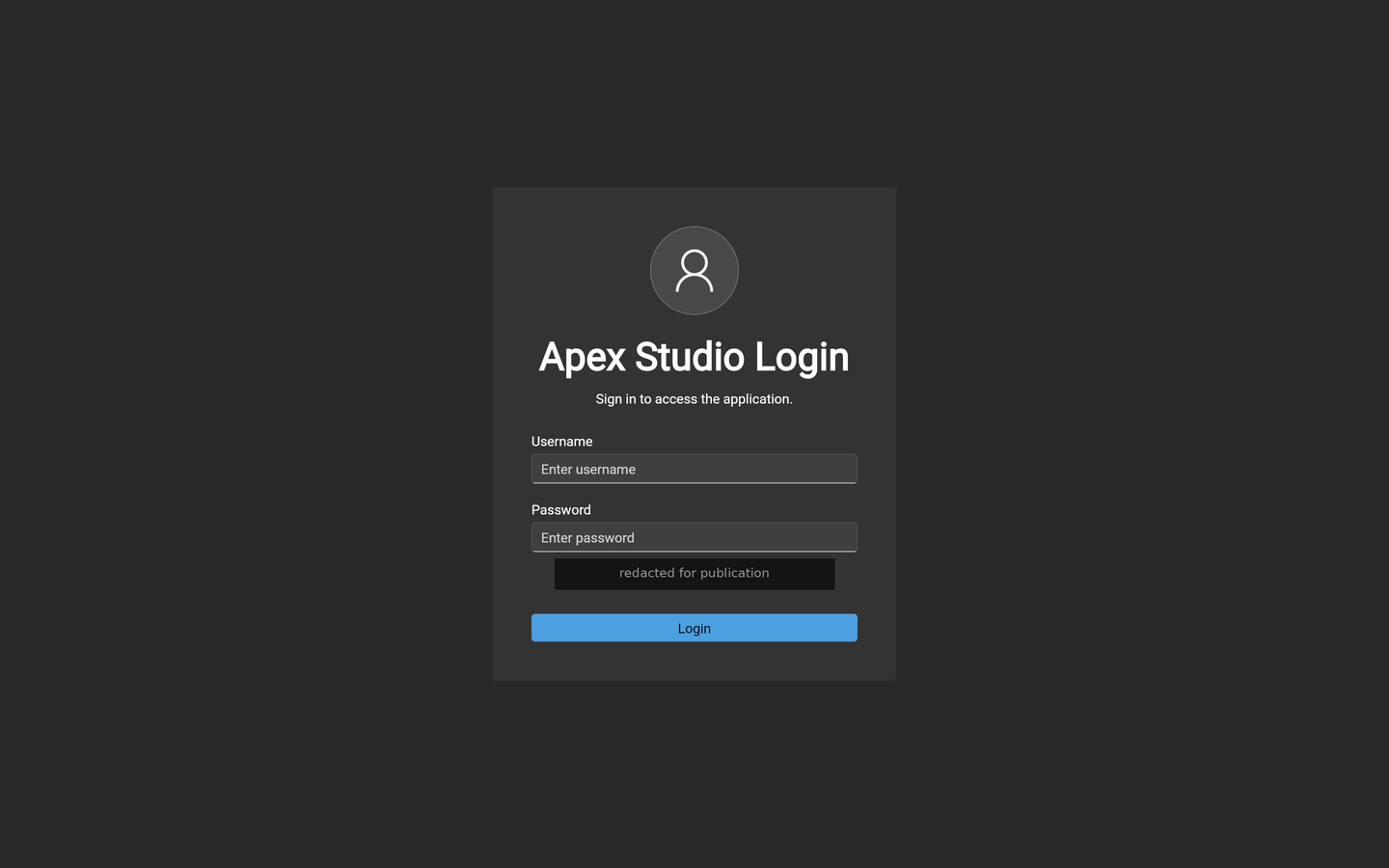
The browser build opens on a sign-in screen — use the credentials you were given when your access was set up. The installed application does not currently ask you to sign in.
Version
The build in use is shown in the application's own settings. Quote it when reporting a problem — the firmware version and the application version are independent, and both matter.
Related documentation
- The configuration software — what each workspace does
- Connect your device
- Release notes