Data Logger
Applies to: IOcan · Standalone controller. What this means
This is where you confirm a channel reads what you think it reads. Every wiring page on this site ends by telling you to check the channels in the datalogger before letting a driver command anything. This is that tool.
The layout
- A source indicator at the top left — Live when following a connected device.
- A toolbar: add a plot, start and stop, open and save, clear, reset zoom, change the tile layout, zoom in and out, fit to window, and a Following Live toggle.
- Tabs below it. Each tab holds its own set of plots and can be renamed, so one tab can be shift quality and another temperatures.
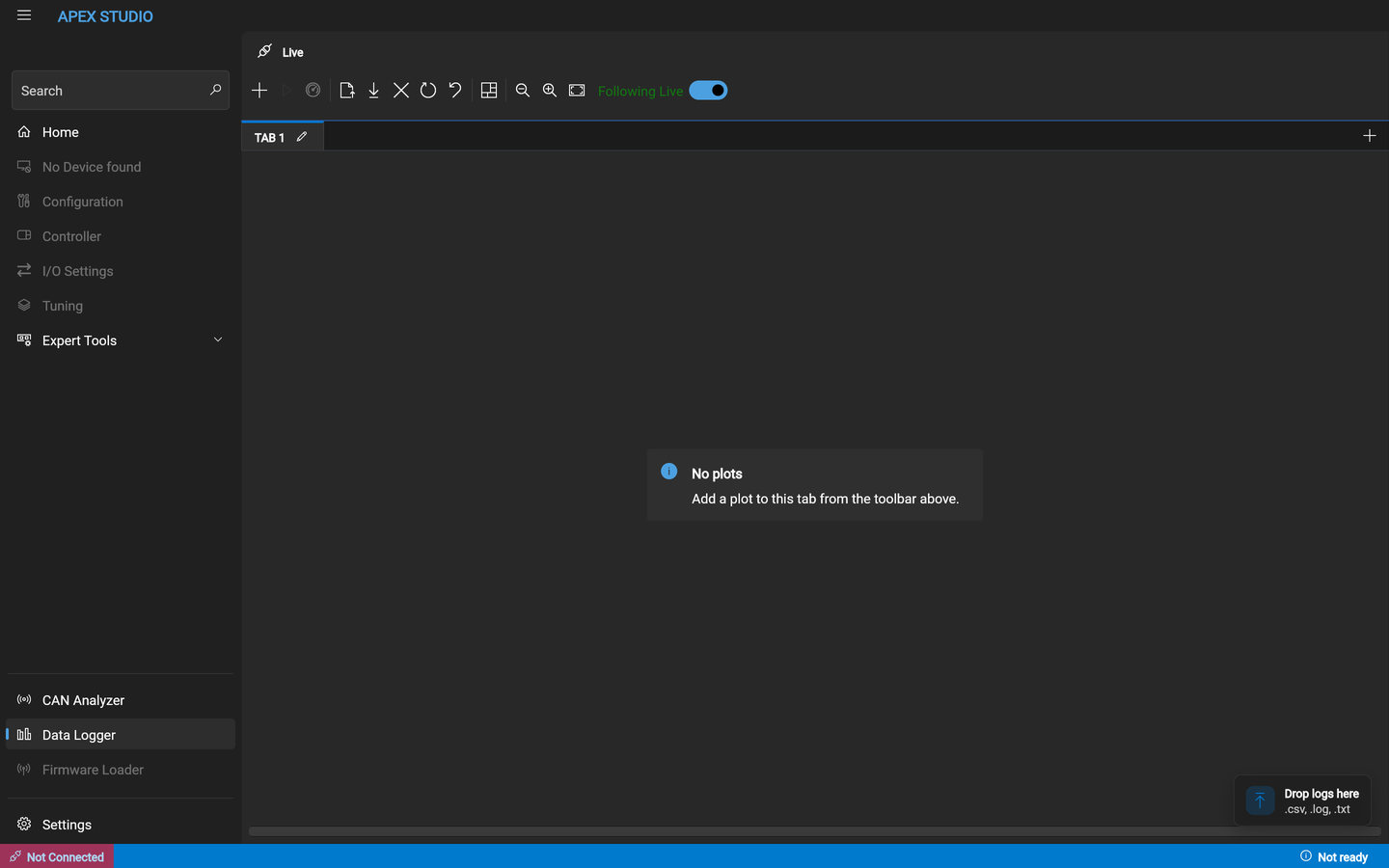
Following Live keeps the view pinned to the newest data. Turn it off to scroll back through what has already come in without the view jumping forward.
Opening a saved log
Drag the file onto the window. The drop target in the corner accepts
.csv, .log and .txt.
Choosing channels
Channels are your inputs and outputs, under the names you gave them. The
firmware does not group them — there is no inputs folder and no outputs folder —
so search by name in the filter box rather than expecting a tree. That makes
the aliases you set in the configuration the thing you navigate by: a channel
called Oil temp is findable and one called Analog 7 is not.
Alongside them the application offers calculated channels it derives rather than reads.
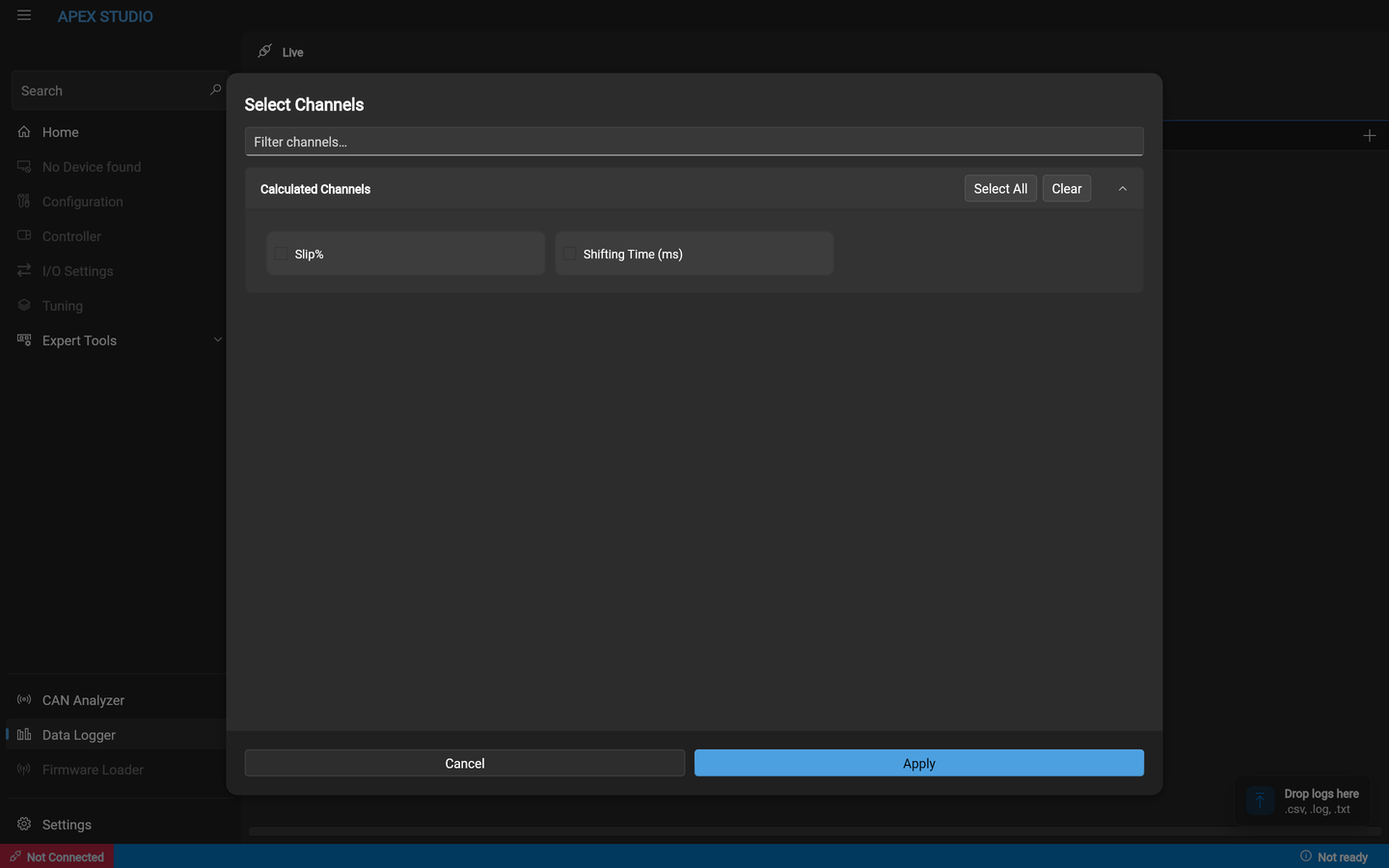
The calculated channels are the two worth plotting first on any new build:
| Channel | What it tells you |
|---|---|
| Slip% | Whether a clutch is holding. The single most useful channel for a dual-clutch build |
| Shifting Time (ms) | How long a shift actually took, without timing it by ear |
What to check first
On a newly wired car, before anything is commanded:
- Every speed channel — plausible at rest and rising sensibly.
- Temperatures — ambient at cold start, not zero and not a rail value.
- Both pedal channels — full travel, no dead zone at either end.
- The brake signal — changes state when the pedal is pressed.
A channel that reads plausibly but wrong is the failure mode these pages keep warning about. Reading zero is obvious; reading a believable number from the wrong pin is not.